Lompat ke konten utama

Konsultasi 9 Titik

Platform Microsoft Power

Microsoft Power BI Consulting and Reporting

Microsoft Power BI turns data from your ERP and other systems into interactive reports and dashboards. We build the data model and the reports. We connect them to Dynamics 365 and your other systems.

Microsoft Power BI · Microsoft Fabric · Microsoft Power Platform

Jawablah Pertanyaan-Pertanyaan yang Paling Penting

Each team reads its own measures from one shared data model.

Kinerja Penjualan

Monitor revenue, opportunities and sales trends.

Kinerja Keuangan

Track profitability, cash flow and budgets.

Inventory and Supply Chain

Monitor stock levels and supplier performance.

Perilaku Pelanggan

Analyse what customers buy and how often they buy.

Pengiriman Proyek

Compare project progress, resource use and budgets.

Procurement and Spend

Review purchasing activity and supplier costs.

From Data to Decisions with Power BI

Four steps take you from scattered data to reports that answer these questions.

Combine Your Sources

Combine data from every source and clean it.

Microsoft applications, cloud services and third-party systems

Scheduled refresh keeps reports current

Build One Data Model

Link your tables once so every report uses the same logic.

Shared datasets for many reports

Calculations for your core measures

One set of figures for sales, finance and operations

Reports and Dashboards

Explore trends in interactive reports.

Your main measures on one page

Drill-down from summary to detail

Web and mobile access

Secure Sharing and Governance

Each person sees only their own data.

Access that follows your Microsoft sign-in

Row-level security by user or role

Workspaces that separate teams and content

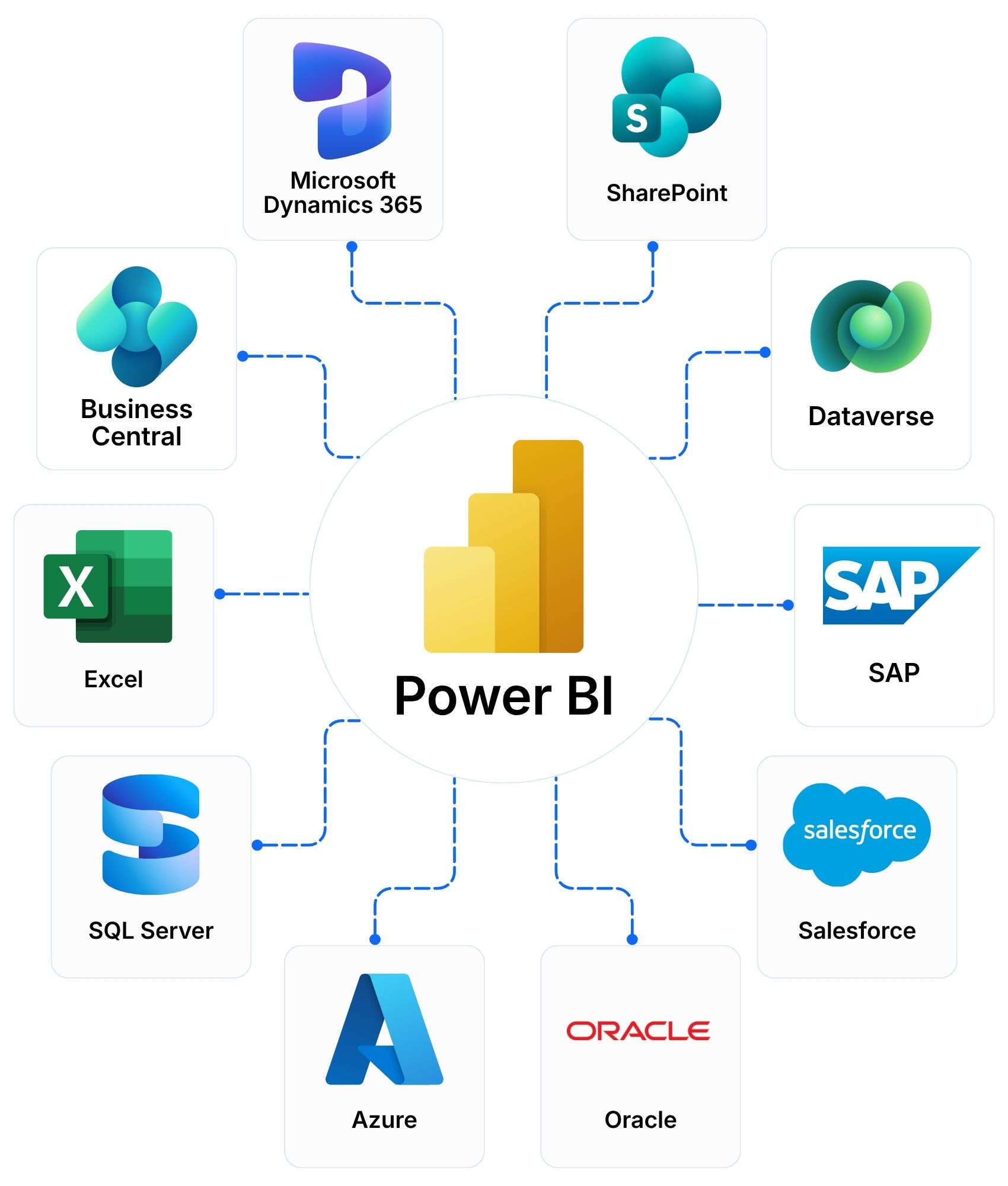
Microsoft Power BI connecting Dynamics 365, Business Central, SharePoint, Excel, SQL Server and other data sources

Connect Power BI with Dynamics 365, Microsoft 365 and AI

Power BI reads from your current systems. They stay where they are.

Microsoft 365 and Teams

Reports shared in Teams and SharePoint

Analysis in Excel using your Power BI data

Alerts and flows with Power Automate

Dynamics 365 and Dataverse

Reports on Business Central, Finance and Supply Chain, and CRM data

Dataverse as a shared data source

Microsoft Fabric and Azure

SQL Server, Azure data services and data lakes

Capacity plans for large data volumes

Copilot and AI Agents

Copilot to ask questions about your data in plain language

Copilot to help build reports

PRIME agents built by 9 Dots

Frequently Asked Questions

What is Microsoft Power BI?

Microsoft Power BI is a business intelligence platform. It connects your data sources and turns them into interactive reports and dashboards.

Can Power BI connect to Dynamics 365 and our other systems?

Yes. Power BI connects to Dynamics 365, Business Central, Excel, SharePoint, SQL Server, Azure and many third-party systems. We design the data model around the systems you already use.

How is Power BI different from Excel reporting?

Excel suits analysis by one person. Power BI combines data from many sources, refreshes reports on a schedule and lets many users share the same figures. The two work together. Power BI can read your Excel files.

Is our data secure in Power BI?

Access follows your Microsoft sign-in. Row-level security limits data by user or role. We design the security around your organisation.

Can Copilot help us with Power BI?

Yes. Copilot answers questions about your data in plain language and helps build reports. It needs Microsoft Fabric capacity and a licence. We confirm what you need before you plan.

Do we need separate licences for Power BI?

It depends on the number of users and how you share reports. Power BI offers per-user licences and capacity plans through Microsoft Fabric. We compare both for your user count and recommend one. We supply licences in ASEAN, Hong Kong and Taiwan.

Do you support Power BI after go-live?

Yes. Our Managed Services and Support cover user support, updates, enhancements and monitoring.

Plan Your Power BI Project

Tell us what you want to measure, where your data lives and who needs the reports. We reply within one business day.