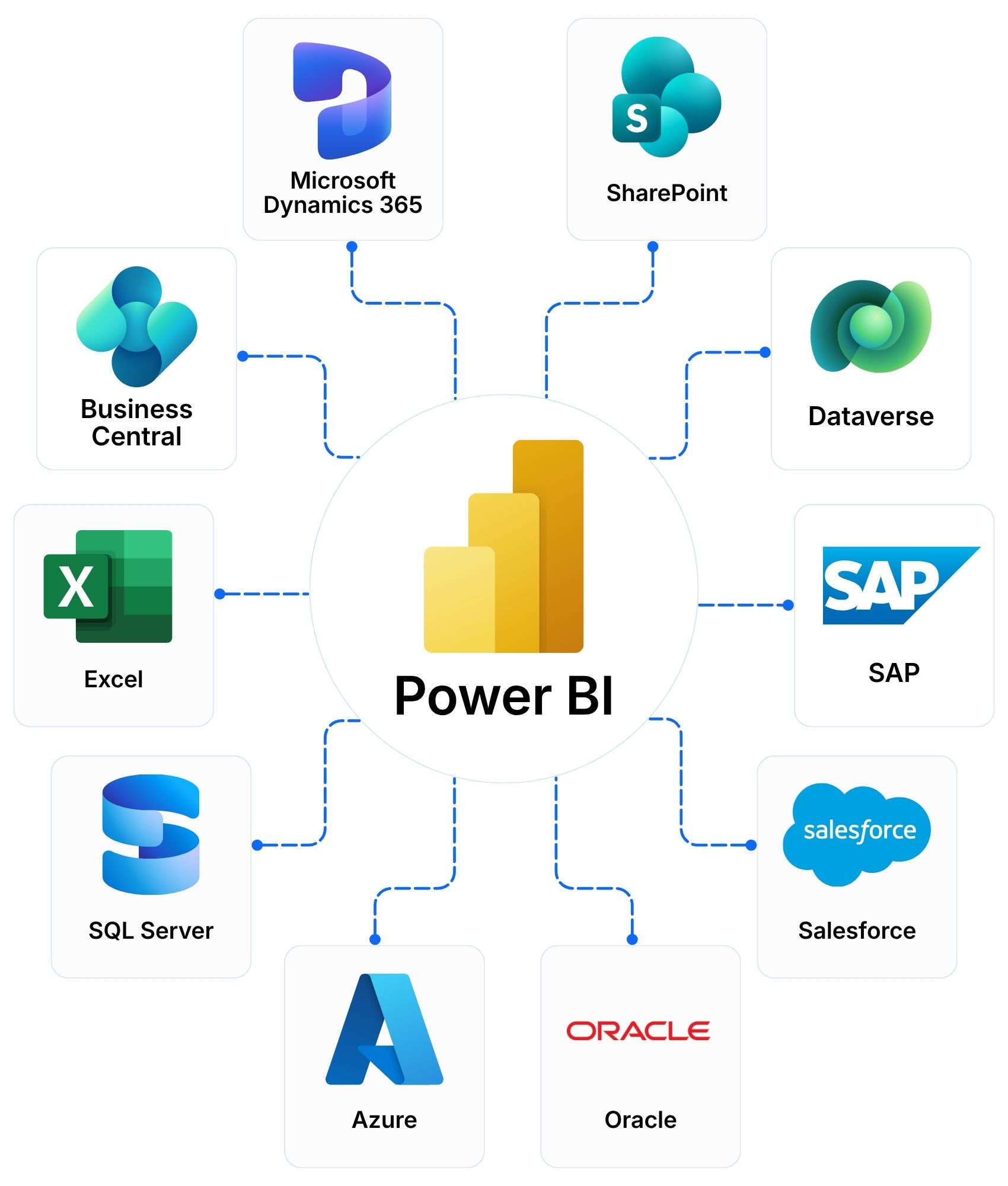
Microsoft Power BI turns data from your ERP and other systems into interactive reports and dashboards. We build the data model and the reports. We connect them to Dynamics 365 and your other systems.
Microsoft Power BI · Microsoft Fabric · Microsoft Power Platform
Microsoft Power BI is a business intelligence platform. It connects your data sources and turns them into interactive reports and dashboards.
Can Power BI connect to Dynamics 365 and our other systems?
Yes. Power BI connects to Dynamics 365, Business Central, Excel, SharePoint, SQL Server, Azure and many third-party systems. We design the data model around the systems you already use.
How is Power BI different from Excel reporting?
Excel suits analysis by one person. Power BI combines data from many sources, refreshes reports on a schedule and lets many users share the same figures. The two work together. Power BI can read your Excel files.
Is our data secure in Power BI?
Access follows your Microsoft sign-in. Row-level security limits data by user or role. We design the security around your organisation.
Can Copilot help us with Power BI?
Yes. Copilot answers questions about your data in plain language and helps build reports. It needs Microsoft Fabric capacity and a licence. We confirm what you need before you plan.
Do we need separate licences for Power BI?
It depends on the number of users and how you share reports. Power BI offers per-user licences and capacity plans through Microsoft Fabric. We compare both for your user count and recommend one. We supply licences in ASEAN, Hong Kong and Taiwan.