Microsoft Power Automate Consulting and Implementation
Microsoft Power Automate is a low-code platform for automating workflows. It replaces emails, spreadsheets and manual updates with connected processes for approvals, notifications and data transfers. We design, build and integrate them across Microsoft 365, Dynamics 365 and your other systems. We are your Power Automate implementation partner across Asia-Pacific, from design to ongoing support.
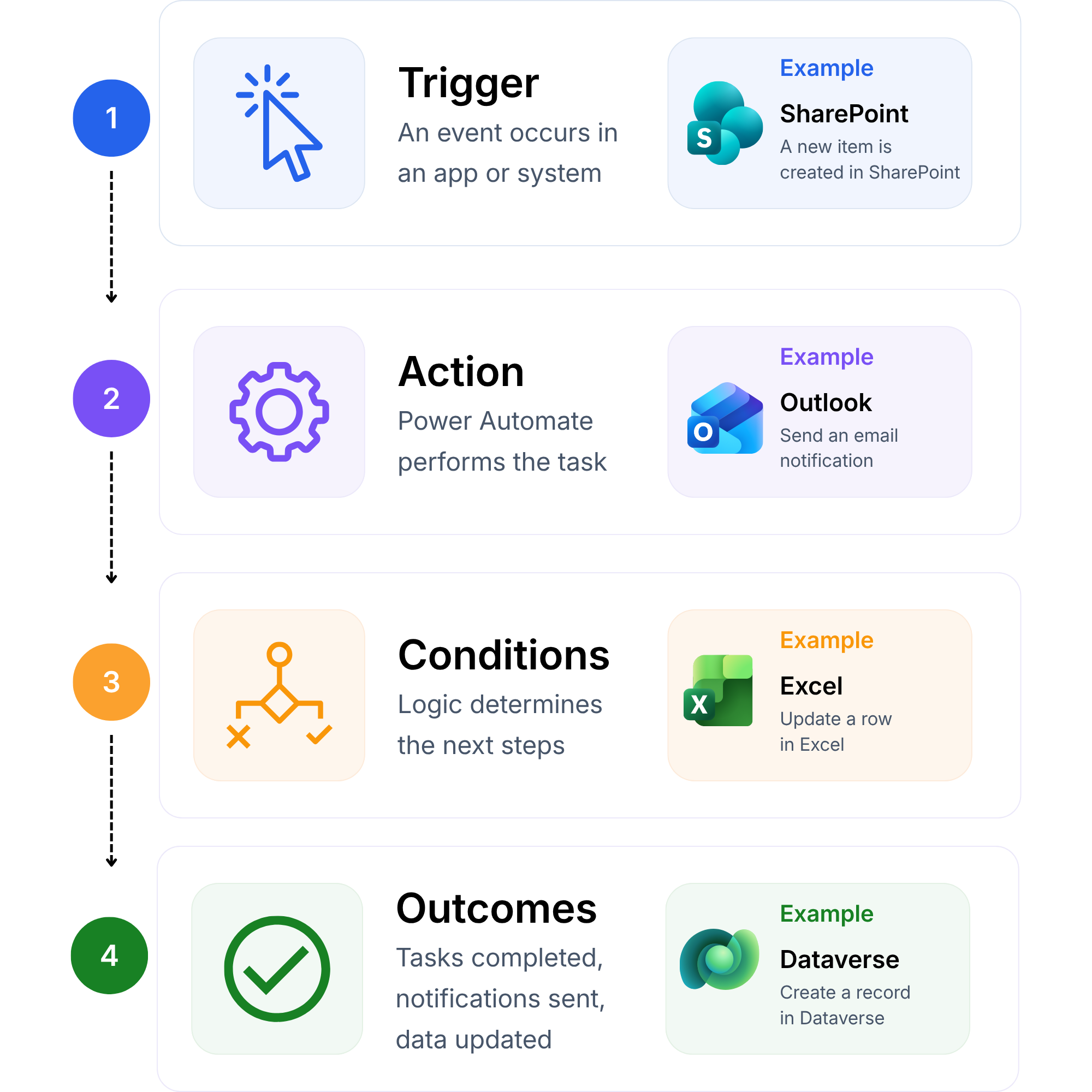
Every automation follows the same pattern. An event starts it. Actions run. Conditions apply your business rules. The task completes without manual effort.
Routine tasks that run every day and follow clear rules deliver the quickest return. They remove administration, apply the same rules every time and reduce errors.
Finance and Procurement
Purchase approvals
Invoice processing
People and Onboarding
Employee onboarding
Leave and request approvals
Sales and Customer Service
Customer notifications
Request tracking from start to finish
Operations and IT
Document routing
Business alerts
Connect Power Automate with Dynamics 365, Microsoft 365 and AI
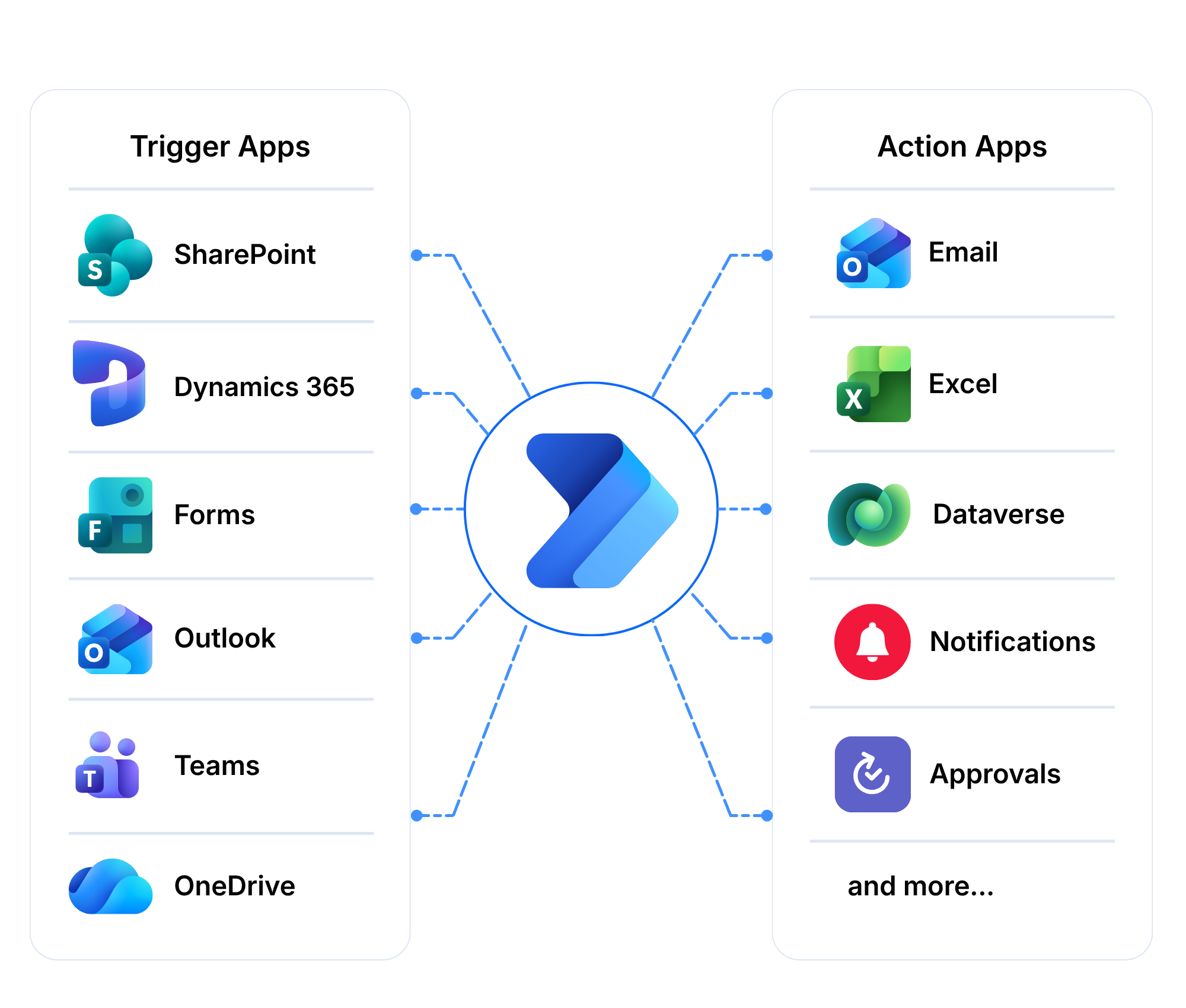
Most organisations already own the software they need. Power Automate gets those applications to work together. Information moves without copying or re-entering data.
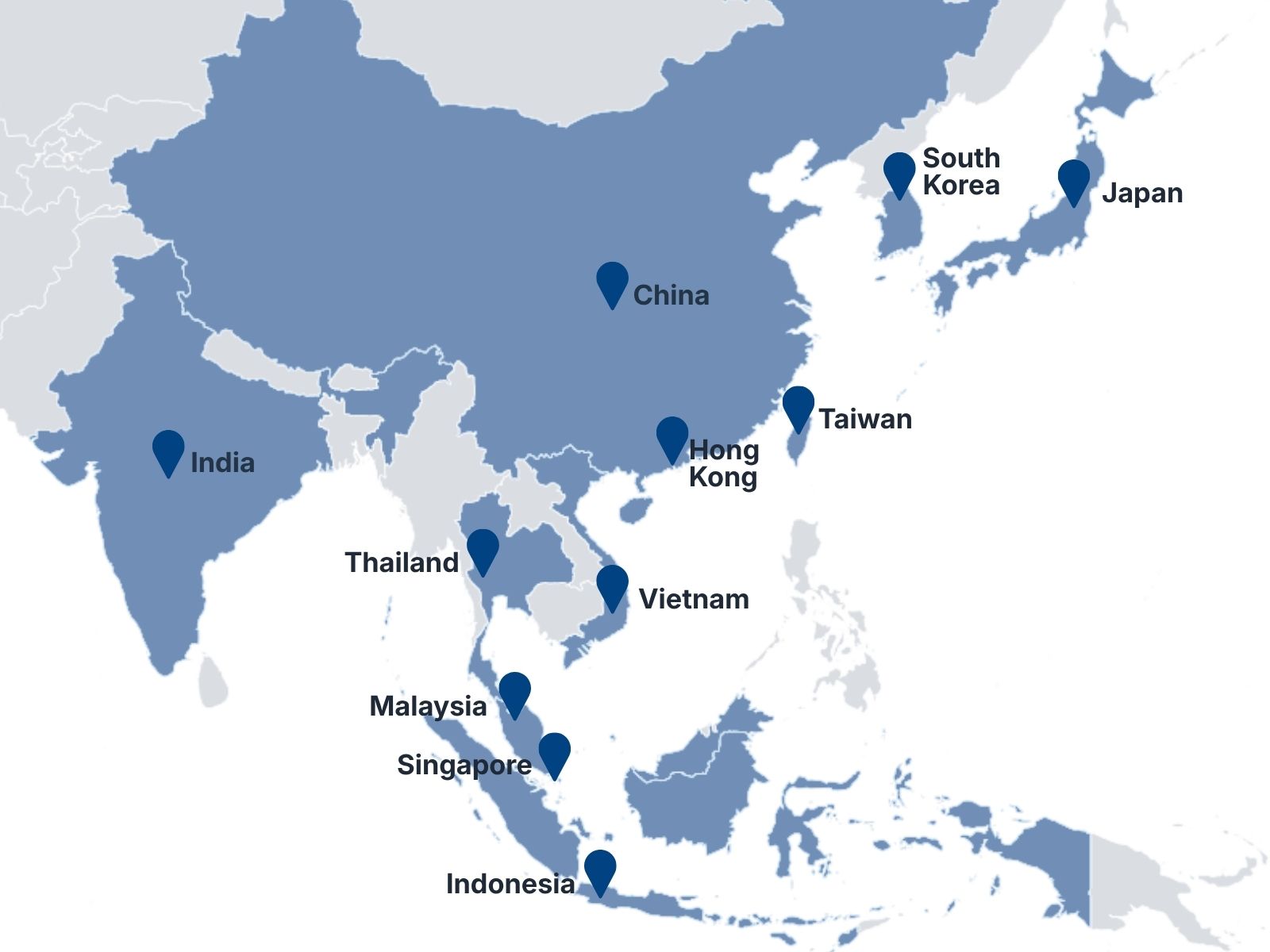
Singapore • Malaysia • Thailand • Indonesia • Vietnam • Hong Kong • Taiwan • China • India • Japan • South Korea
Frequently Asked Questions
What is Microsoft Power Automate?
Microsoft Power Automate is a low-code platform for automating workflows. It moves information between applications, routes approvals and sends notifications. You can also automate tasks in older desktop applications.
What is the difference between cloud flows and desktop flows?
Cloud flows connect online applications and services. Desktop flows automate screen-based tasks in applications that have no integration option. Many processes use both. We assess your process before recommending either.
Which processes should we automate first?
Start with routine tasks that run every day and follow clear rules. Purchase approvals, invoice processing, employee onboarding and document routing are common first steps. These remove the most administration for the least effort.
Can Power Automate connect to our existing systems?
Yes. Power Automate connects Microsoft products and many third-party systems through connectors. Custom connectors cover in-house applications. We design the automation around the systems you already use.
Do we need separate licences for Power Automate?
It depends on the flow type, the number of users and the connectors you use. Some Microsoft 365 and Dynamics 365 licences include limited Power Automate use. We review your licences and recommend the right plan.
Tell us about the process you want to automate, the people involved and the systems it touches. Fill in the form or email us. Our team responds within one business day and will help you identify the next step, even if your requirements are still being defined.