Microsoft Power Pages Consulting and Portal Solutions
Customers want order updates. Suppliers need invoice information. Partners require shared documents. Microsoft Power Pages gives each group secure online access to the information and services they need. It replaces emails, phone calls and manual administration with self-service. We design, build and integrate portals with Dynamics 365 and your existing systems. We are your Power Pages implementation partner across Asia-Pacific, from design to ongoing support.
Every organisation deals with different groups of people. Power Pages lets each group reach the information relevant to them. Sensitive business data stays protected.
Customers
View orders and invoices
Log and follow support requests
Suppliers
Manage purchase orders and deliveries
Submit and track invoices
Partners
Share projects and documents securely
Register and follow opportunities
Employees
Access forms and internal services
Find resources and policies
Self-Service in Action
A portal does more than publish information. People can view it, request services and update records in real time. Your team spends less time on routine requests and responds faster.
Track Orders
Check progress without contacting your team.
Submit Requests
Log enquiries, service requests and applications online.
Download Documents
Access invoices, statements and files securely.
Update Details
Maintain account information without manual processing.
Book Services
Schedule appointments and submit registrations.
Find Answers
Browse policies, FAQs and knowledge resources at any time.
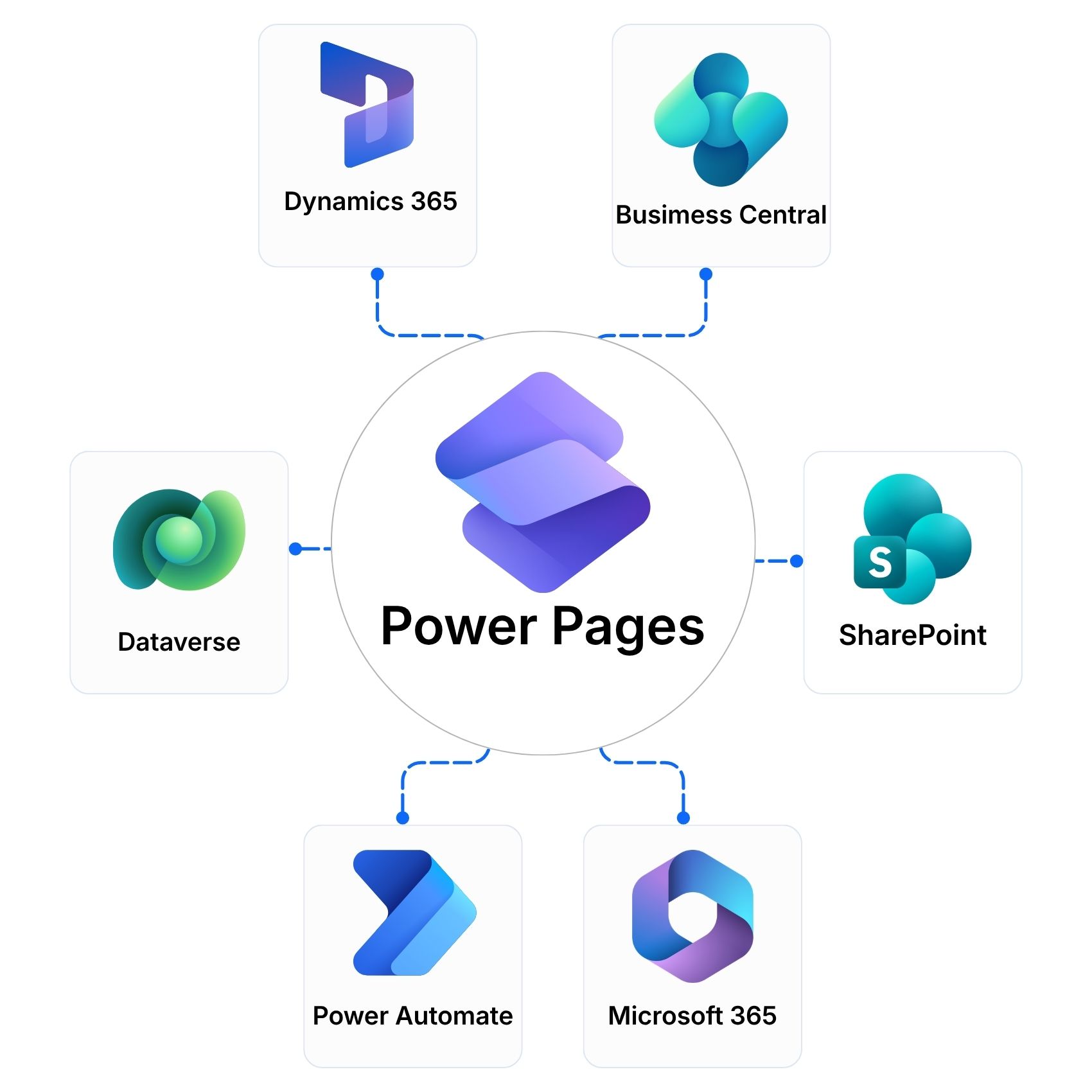
Connect Power Pages with Dynamics 365, Microsoft 365 and AI
Information should not be copied between systems. Power Pages works directly with your Microsoft business applications. Users see live information and everything stays connected behind the scenes.
Dynamics 365 and Dataverse
Portals on Business Central, Finance and Supply Chain Management, and CRM data
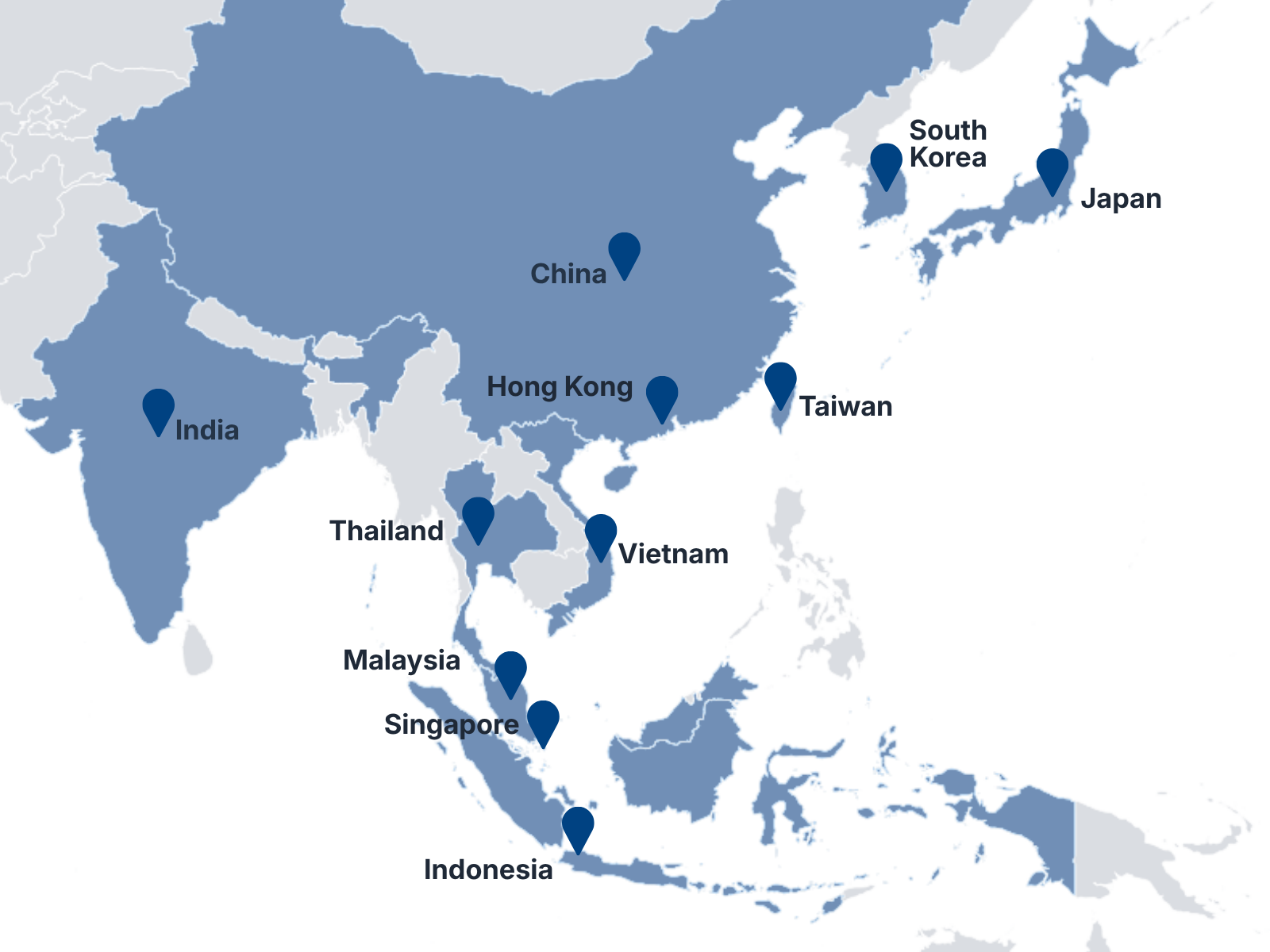
Singapore • Malaysia • Thailand • Indonesia • Vietnam • Hong Kong • Taiwan • China • India • Japan • South Korea
Frequently Asked Questions
What is Microsoft Power Pages?
Microsoft Power Pages is a low-code platform for building secure business websites and portals. Customers, suppliers, partners and employees can view information, submit requests and update records online.
How is Power Pages different from a standard website?
A standard website mainly displays information. A Power Pages portal lets signed-in users work with live business data. They can track orders, submit forms and download documents without contacting your team.
Can Power Pages connect to Dynamics 365?
Yes. Power Pages uses Microsoft Dataverse, the data platform behind Dynamics 365. Portals can show and update information from Dynamics 365, Business Central and other connected systems.
Is a Power Pages portal secure?
Yes. Power Pages controls who can see and change each record. Users sign in with approved identity providers, and permissions are set by role. We design the security around your organisation.
How is Power Pages licensed?
Licensing depends on the number and type of users, such as signed-in users and anonymous visitors. We review your audiences and expected usage and recommend the right plan.
Tell us who needs access, what they need to do and which systems hold the data. Fill in the form or email us. Our team responds within one business day and will help you identify the next step, even if your requirements are still being defined.